

 Before
After
Before
After
ID photo
Passport, ID card and visa photos at the official size, with a plain background.
Learn moreGive old photos a second life
Scan or photograph an old print and let the tool remove scratches, dust and creases, restore faded contrast, sharpen the faces and, if you wish, colourise black-and-white pictures naturally.
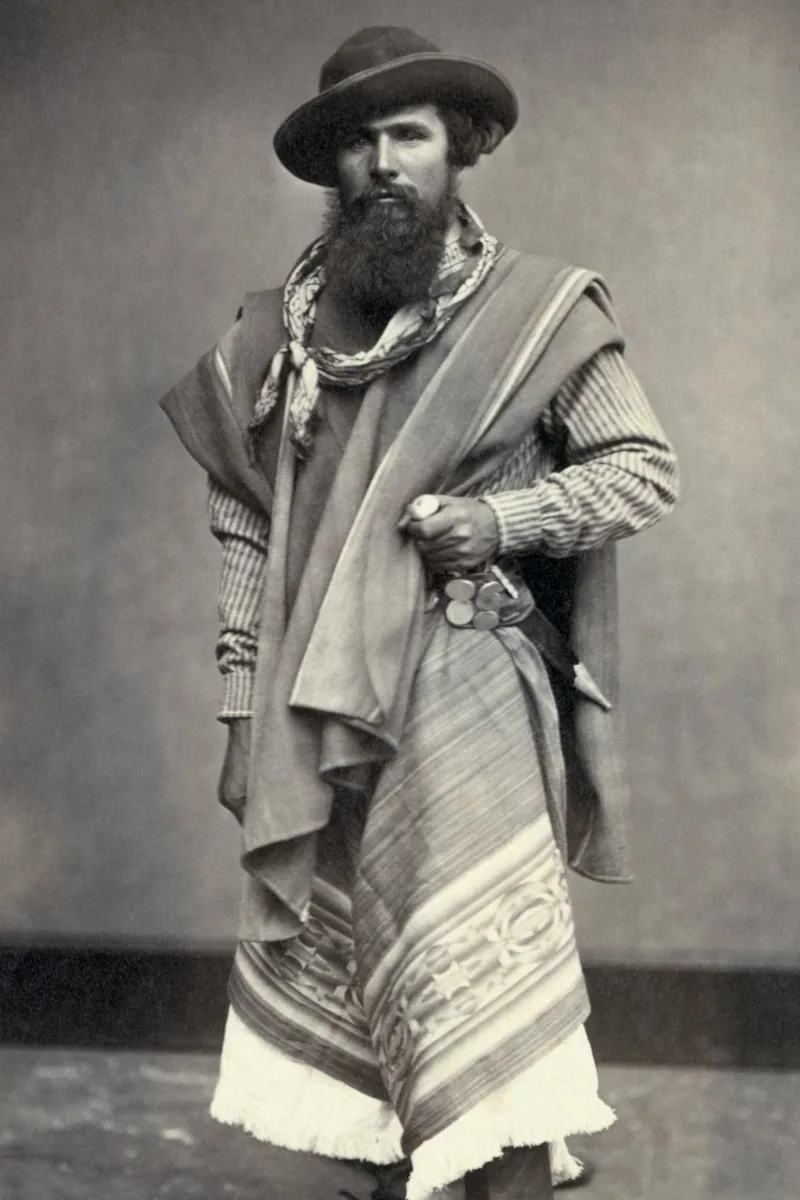
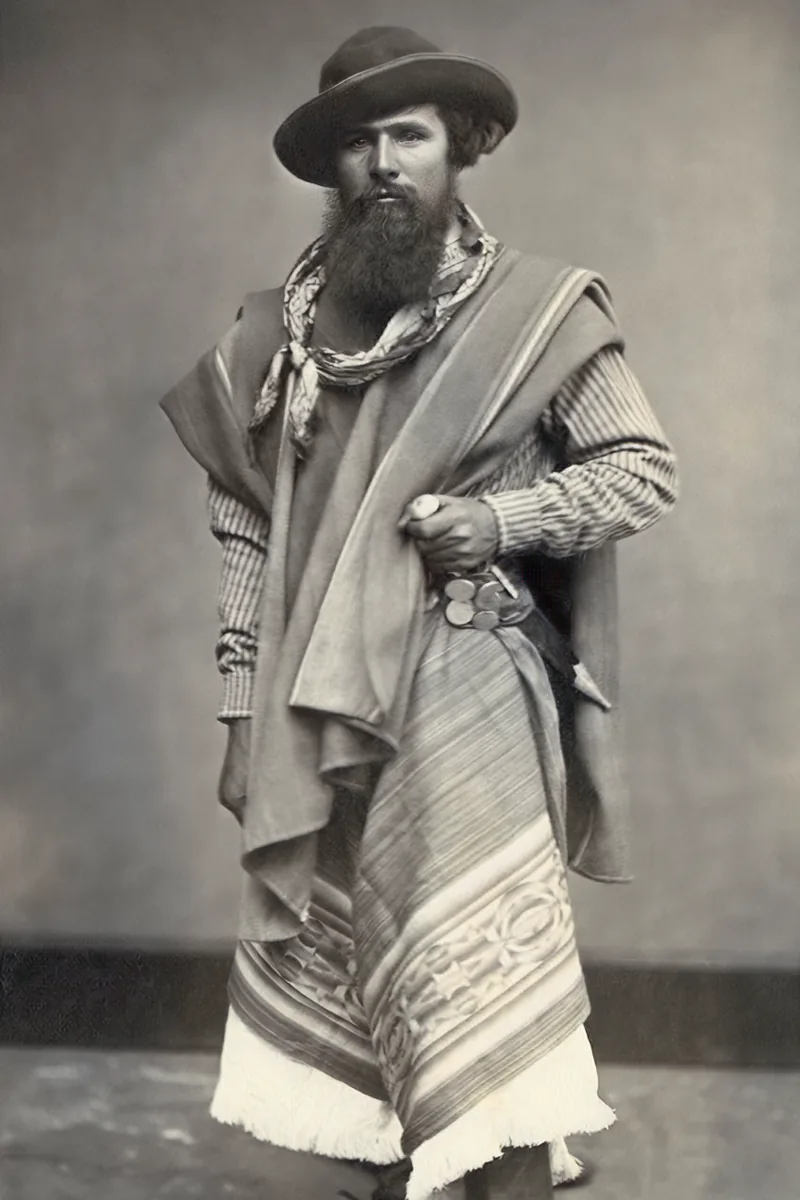
Photograph or scan the print in even light
Upload it and choose repair, colourise or both
Compare with the slider and download the result
Digitise and repair the pictures before they fade further.
Restore and colourise a portrait of grandparents for a print.
Make faces recognisable again on damaged archive prints.
A flatbed scan at 300 dpi or more is ideal. A phone picture also works: lay the print flat, avoid reflections and shadows, and fill the frame.
Colourisation proposes plausible colours based on the content. For known elements such as uniforms or cars, treat the result as an interpretation rather than a record.
Small missing areas are reconstructed from their surroundings. Large missing parts, such as half a face, cannot be reliably reconstructed.
Before
After
Passport, ID card and visa photos at the official size, with a plain background.
Learn more
 Before
After
Before
After
Studio-style portraits for LinkedIn, CVs and company pages, generated from a few selfies.
Learn more
 Before
After
Before
After
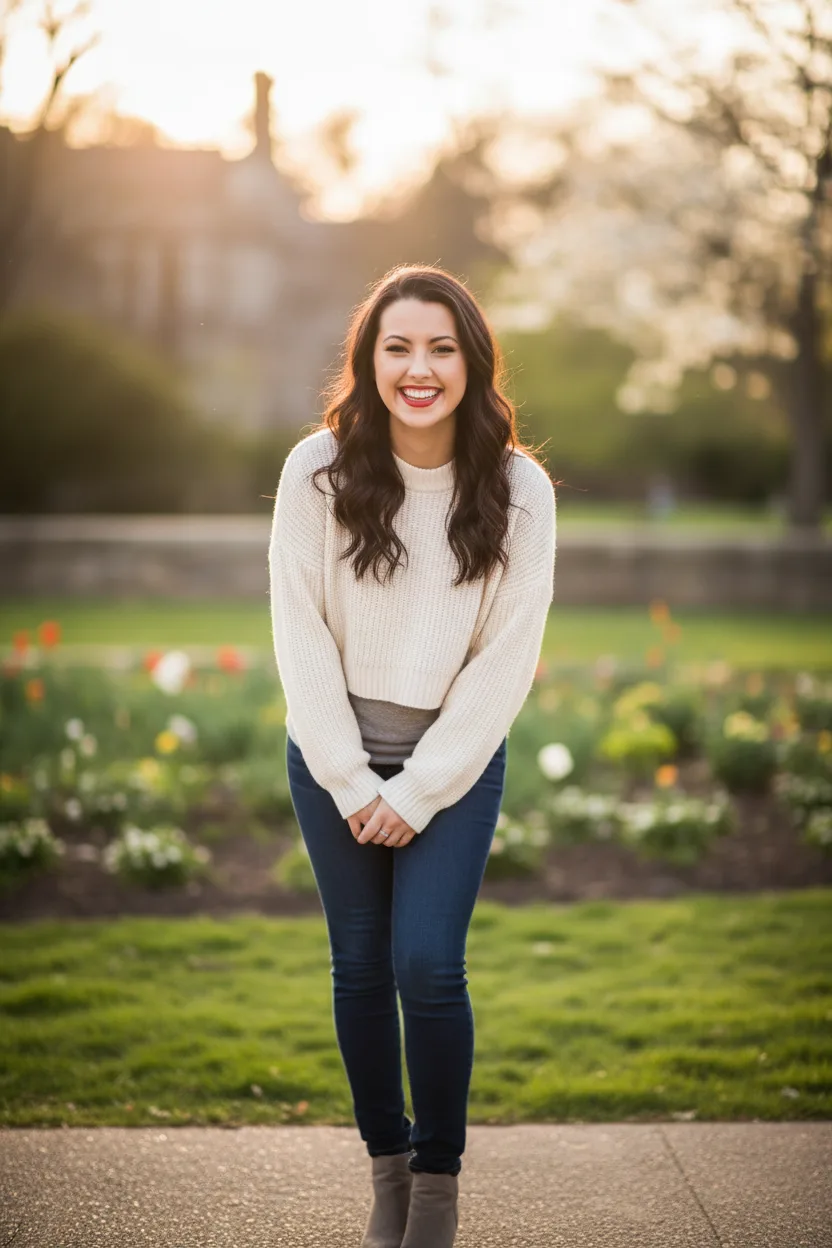
Natural, flattering profile pictures for dating apps, generated from your own photos.
Learn moreGive old photos a second life