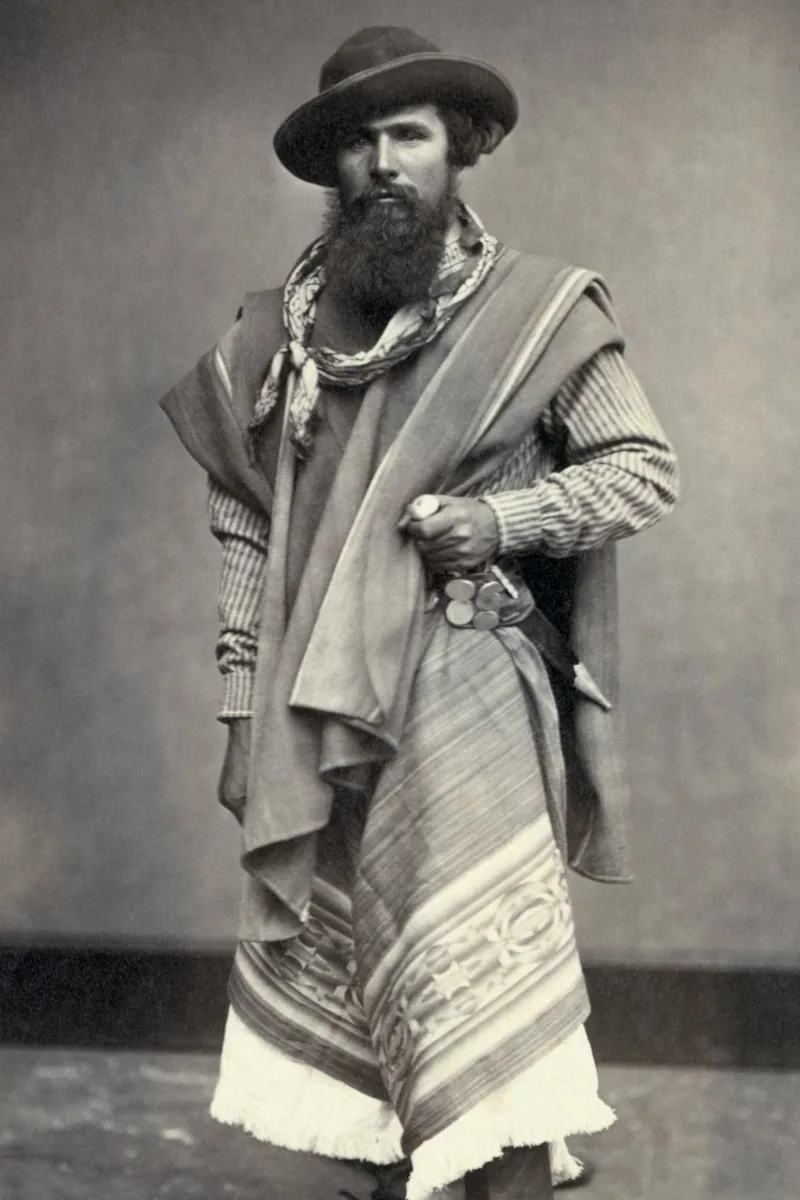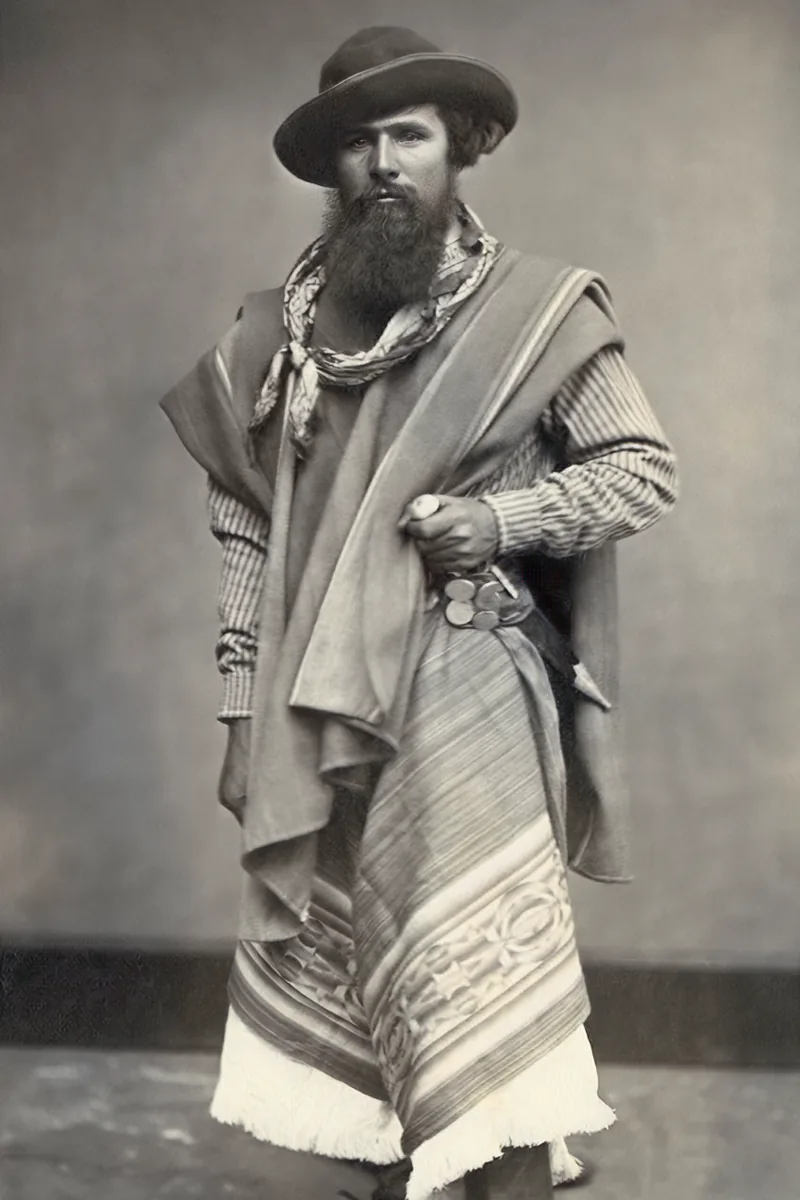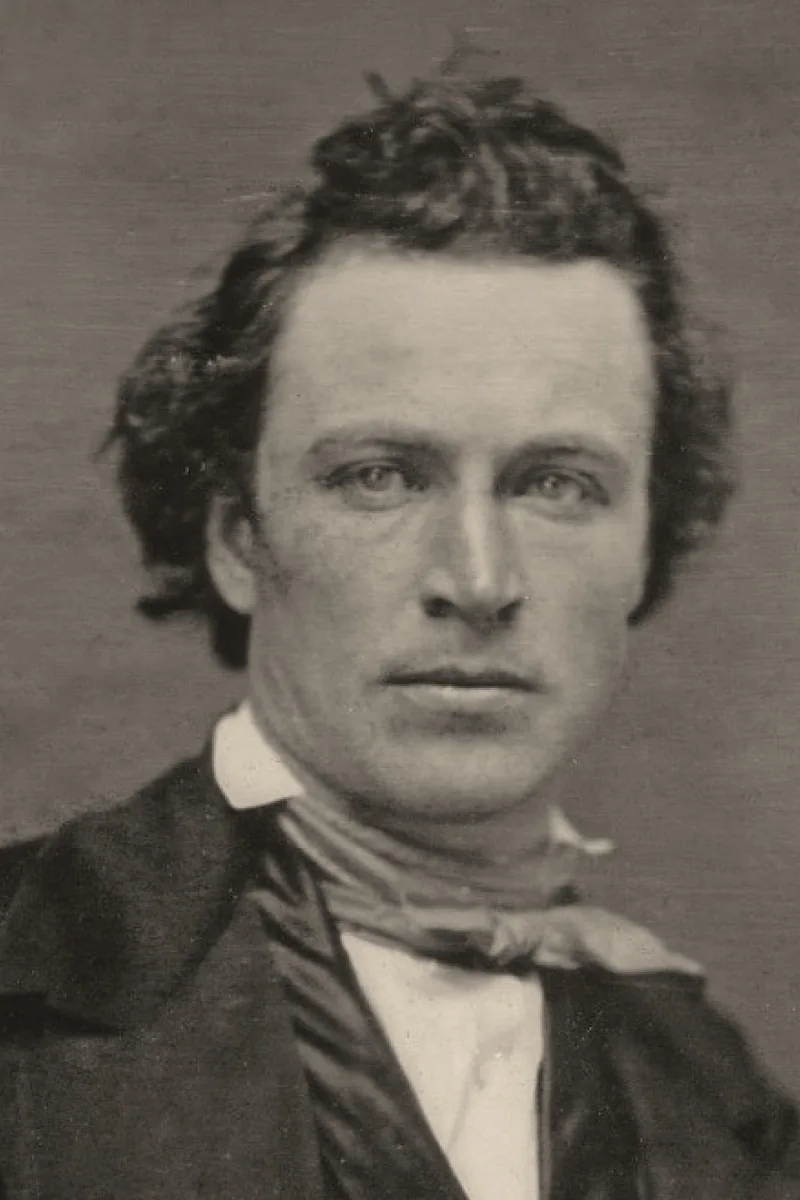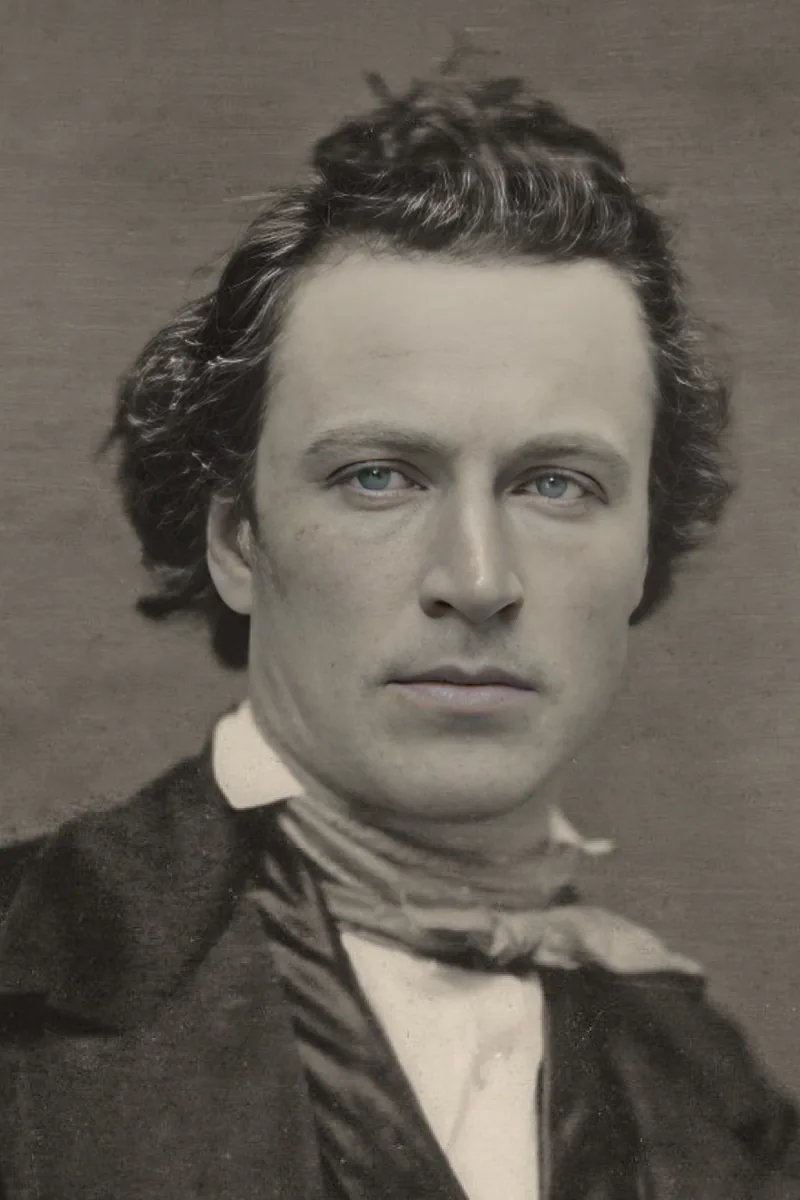
Old prints fade, scratch and crack, but the information in them is often still there. A careful digitisation followed by AI restoration recovers faces, contrast and detail that looked lost. This guide covers the whole chain, from the shoebox to the frame.
Digitising the print
A flatbed scanner at 300 to 600 dpi gives the best source. Without a scanner, photograph the print: lay it flat near a window, avoid direct sun and reflections, hold the phone parallel to the print and fill the frame. Clean the lens first.
What restoration repairs
Scratches, dust, creases, small tears, faded contrast and colour casts are repaired reliably. Faces are sharpened with a model trained on portraits, so eyes and hair come back without an artificial look.
What it cannot invent
Large missing areas — half a face, a torn-off corner with a person in it — cannot be reconstructed faithfully. The tool fills small gaps from their surroundings; for larger damage, the result is an interpretation.
Colourising black-and-white pictures
Colourisation proposes natural colours from the content: skin, sky, foliage and fabrics are usually convincing. Specific colours of uniforms, cars or dresses are guesses, so keep the original monochrome version alongside.
Printing and storing
Export at the highest resolution available, print on matte photo paper for an archival look, and keep the digital file in two places. Store the original print flat, away from light and humidity.
Checklist
- Scan at 300 dpi or more, or photograph flat in even light
- Repair first, colourise second
- Compare with the slider before downloading
- Keep the original monochrome version
- Back up the restored file
Start with the most damaged picture you care about: it is the one where the difference is most visible, and the one you will be happiest to have saved.